The dashboard
An optional Livewire dashboard for engineers: what exists, how each one is going, and the controls to drive them.
Setup
composer require livewire/livewire// config/backfill.php
'dashboard' => [
'enabled' => true,
'path' => 'backfills',
'operator_path' => 'backfills/tasks',
'middleware' => ['web'],
],Without Livewire the package behaves exactly as before — the dashboard simply does not register, and nothing errors.
Authorisation
Closed by default
Outside local, every request is denied until you say otherwise. The dashboard can start and cancel data changes over production tables, so opening it is a deliberate act.
// app/Providers/AppServiceProvider.php
use Kstmostofa\Backfill\Dashboard\Dashboard;

public function boot(): void
{
    Dashboard::auth(fn ($request) => $request->user()?->isAdmin() === true);
}
The callback receives the request and returns a boolean. Anything else — a gate, a policy, an IP allowlist, a team check — works the same way.
The operator panel has its own separate gate.
What it shows
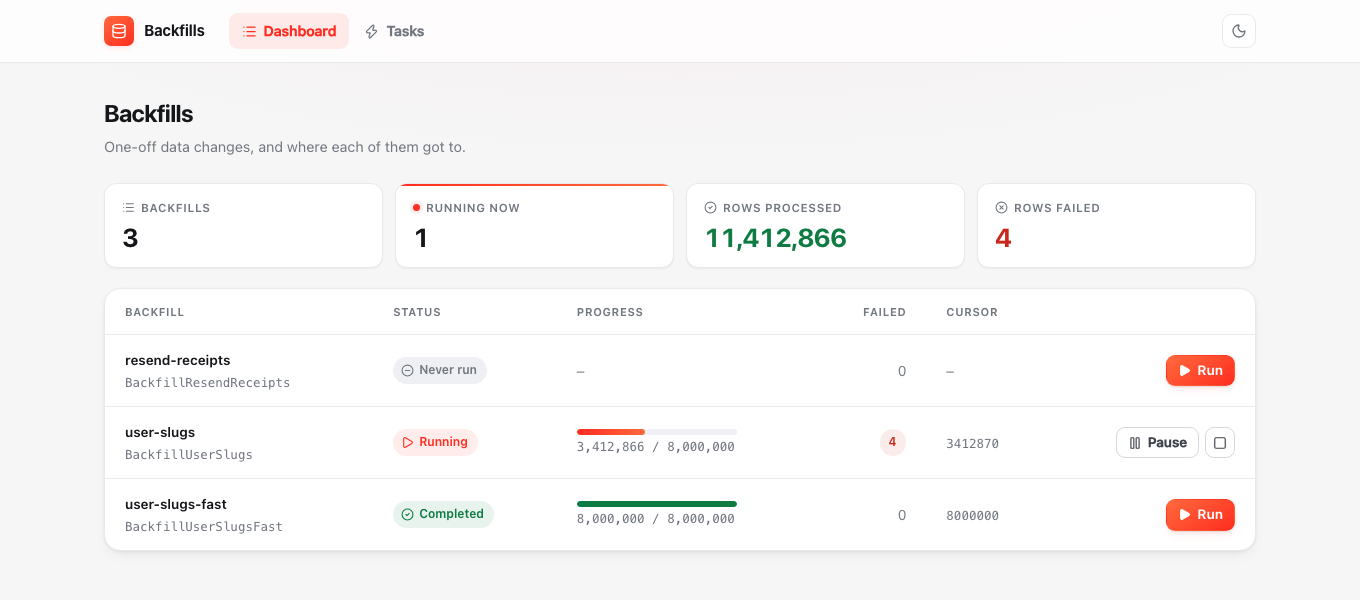
Every discovered backfill with the status of its last run: progress bar, processed and failed counts, cursor, and a marker when a run's heartbeat has gone cold. It polls every three seconds.
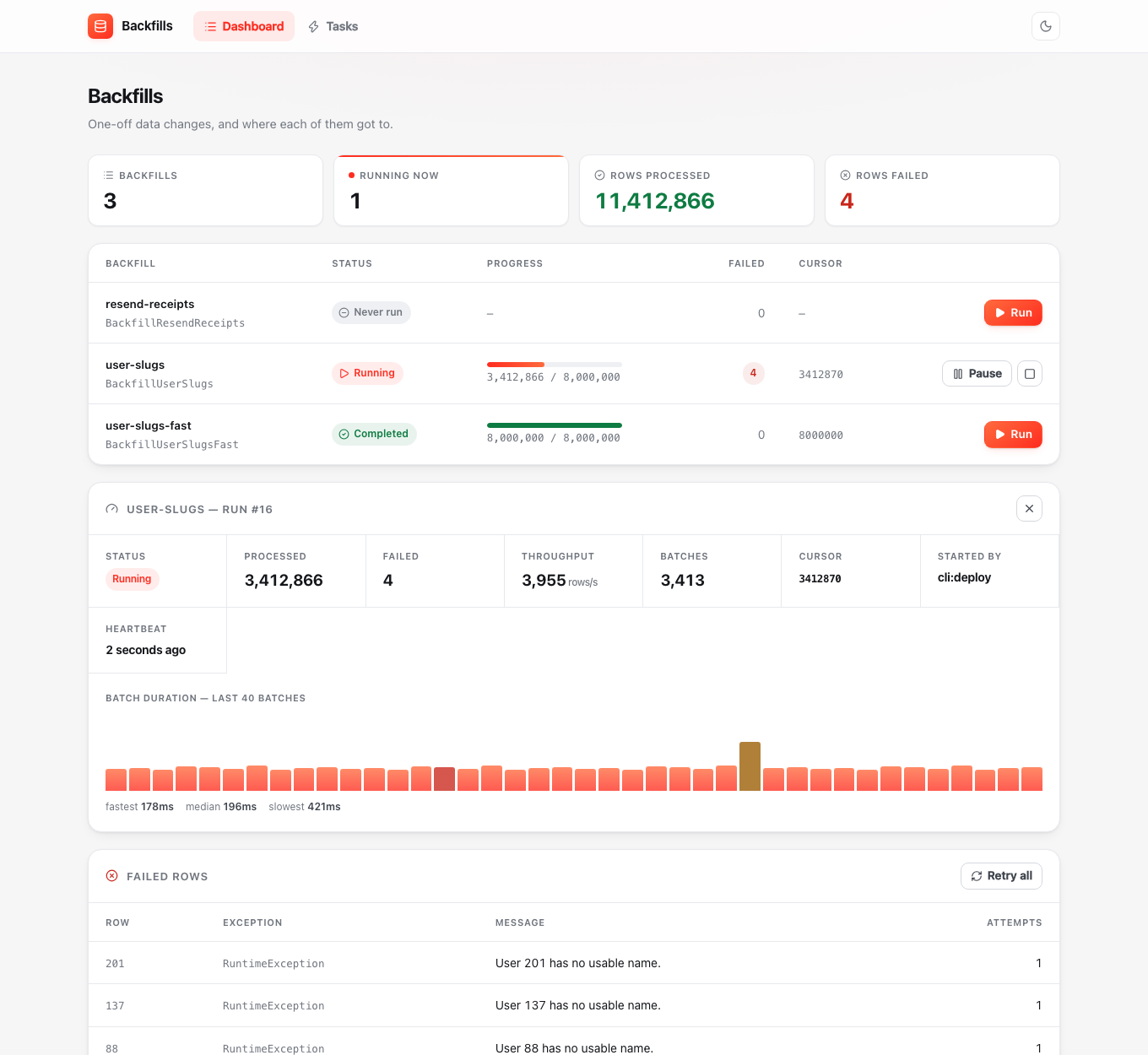
Selecting one opens a detail panel with throughput, batch count, who started it, heartbeat age, why it stopped if it stopped, a batch-duration sparkline, and the failed rows.
Actions
| Action | What happens |
|---|---|
| Run | Queues a RunBackfillJob |
| Resume | Queues a job that continues from the committed cursor |
| Pause | Marks the run paused; the worker stops after its current batch |
| Cancel | Marks the run cancelled; it will not resume |
| Retry all | Re-processes the failed rows of the selected run |
Actions are queued, not run in the request
A backfill takes hours; an HTTP worker does not. Pressing Run dispatches a job and returns immediately. You need a queue worker running for anything to happen.
The sparkline
Batch durations for the last 40 batches, scaled to the slowest. A run that starts fast and degrades usually means the cursor column is not indexed well enough, or something else has started competing for the table.
It needs the per-batch audit trail, which is off by default because it is a write per batch:
'record_batches' => true,Without it the panel says so rather than showing an empty box.
Failed rows
The unresolved failures for the selected run — record id, exception class, message and attempt count — with a Retry all button that runs the same logic as backfill:retry-failed.
Pruning old runs
Finished runs age out through Laravel's pruning:
'prune_runs_after_days' => 90,php artisan model:prune --model="Kstmostofa\Backfill\Models\BackfillRun"Only completed, cancelled and failed runs are pruned, and only once they have a finished_at older than the cutoff. Paused and interrupted runs are never pruned — a paused run from six months ago still holds a cursor somebody may want. Pruning a run takes its error and batch rows with it.
Customising the look
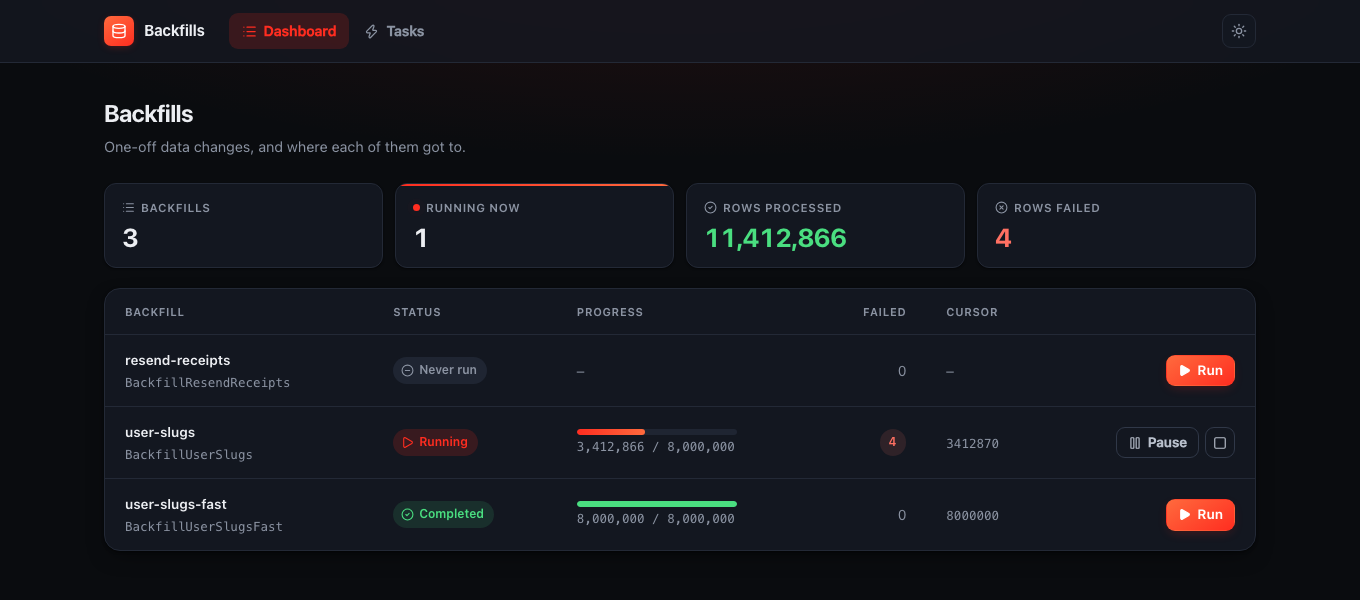
php artisan vendor:publish --tag=backfill-viewsViews land in resources/views/vendor/backfill. The CSS is inline in shell.blade.php, with no external requests and light and dark themes driven by prefers-color-scheme.